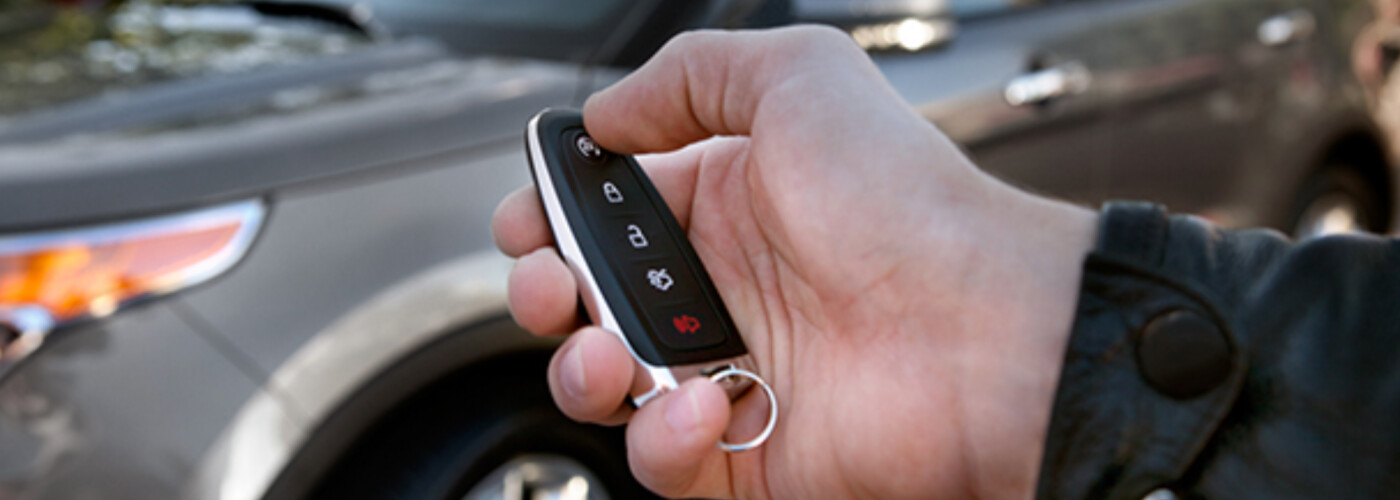
Being able to start your car without having to step inside makes those Naperville morning commutes much more comfortable. Ford remote access allows you to start your Ford vehicle before you even open the door. Wondering how it all works? Read on to learn exactly how to use the Ford remote start system, what other features you can access, and how you can use this system on any of our new Ford vehicles.
Starting Your Car
Turning Off Your Car
Memory Feature (if equipped)
One feature that makes using Ford remote start a little simpler is the status feedback feature. This enables you to see if your Ford remote access is working correctly or not using a colored lighting system. Here are what the different colors mean:
If you are in the Yorkville area and you’re Ford remote access isn’t working, don’t panic. There are several reasons why your key fob may not be successfully carrying out commands. Here are some of the reasons why your key fob might not work:
If you have Ford SYNC Connect equipped with your Ford vehicle, then you can use the Ford app system from outside of your car. The Ford app (formerly FordPass) is an app you can download from the Apple app store or Google Play. Once you have the app downloaded, you can use it from your smartphone. Check out the Ford app features that will help you get on the Yorkville roads much quicker:
For a better look at the Ford app system, visit our Service Tips & Tricks.
Your Ford key fob is coded to work with your vehicle and your vehicle only, which is why you need to visit a certified Ford dealership near Montgomery in order to obtain a coded replacement key. The dealership will get you a coded Ford key replacement by VIN, but for security purposes, you will be required to provide proof of ownership and proof of ID in the following formats:
Now that you know how to use Ford remote start, you can check out all of the innovative technology features of our Ford vehicles when you visit us online. You can see all of our Ford accessories and parts if you want to give your Ford a serious upgrade for those Oswego roads. If you have any questions on how the Ford remote access works, need help installing the Ford app, or anything else, contact us today to get all of your questions answered. Let us make it easy for you to start your Ford vehicle!
The Ford Bronco Sport combines the rugged capabilities of the Ford Bronco with a sporty design and everyday practicality. The 2026 model may just be the best version yet, and River View Ford has everything you need to know. Take a look at our guide of the 2026 Ford Bronco Sport compact SUV’s performance capabilities, safety…
Built to work smarter and harder, the 2026 Ford F-150 continues its legacy as one of America’s most capable trucks. Whether you’re hauling equipment for a job or towing a camper for a weekend getaway, the F-150 offers a range of engines and configurations to match your workload. If you’re near Naperville and ready…
The Ford Bronco continues to be a top pick in Naperville and beyond with its rugged performance, iconic style, and diverse range of adventure-ready trims. Whether you’re a weekend trail warrior or just want a head-turning SUV for your drives around Montgomery, there’s a Bronco model to match your lifestyle. Compare the 2026 Ford…